Video feed
Your phone videos, as a fun feed
Most of us have hundreds of videos we never watch again. AppDesta puts them in a feed you scroll like social media, so old memories come back. Add a note, share it with someone special, and clear out the junk as you go.
How it works
 1
Scroll your videos
Open a video and swipe to the next one, just like a social app.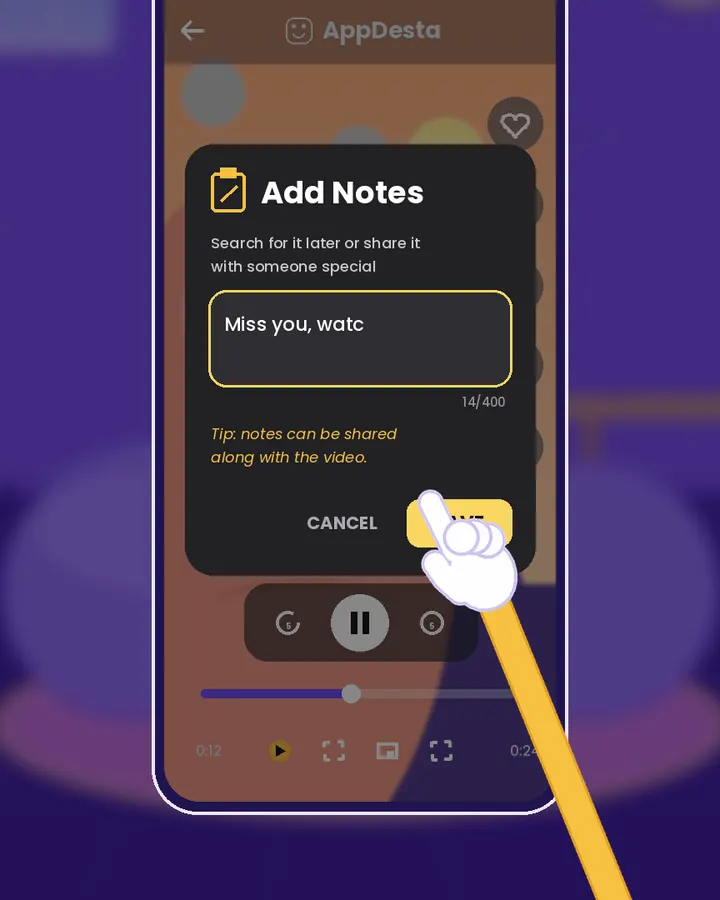 2
Add a note
Tap the note button and write something like “Wedding highlights” or “Miss you, watch this!”. Search your notes later to find the video.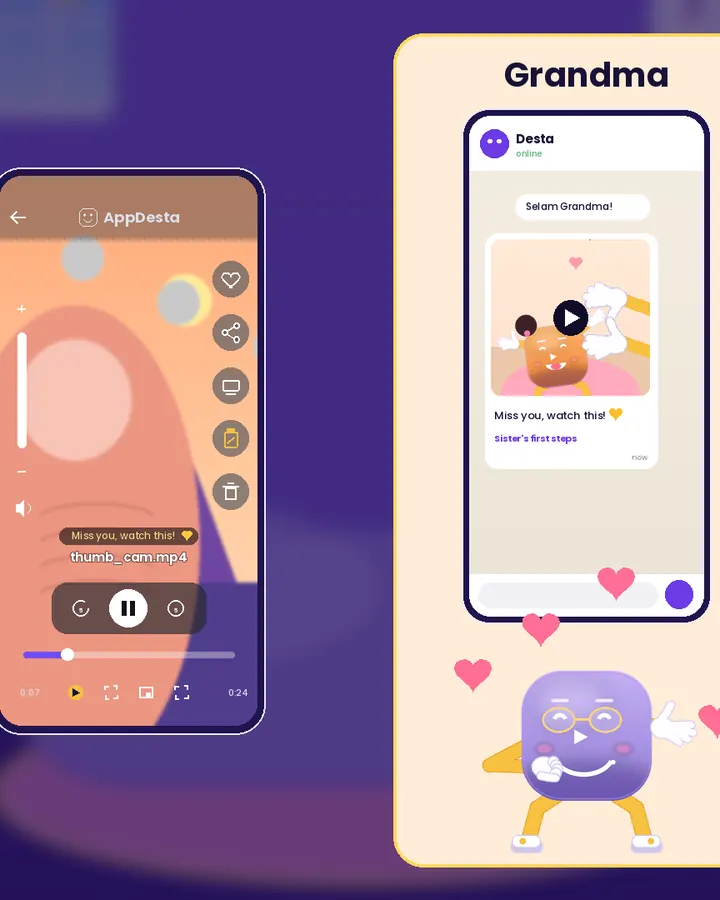 3
Share it with your note
Tap share to send the video and your note to someone on WhatsApp, Telegram or any app.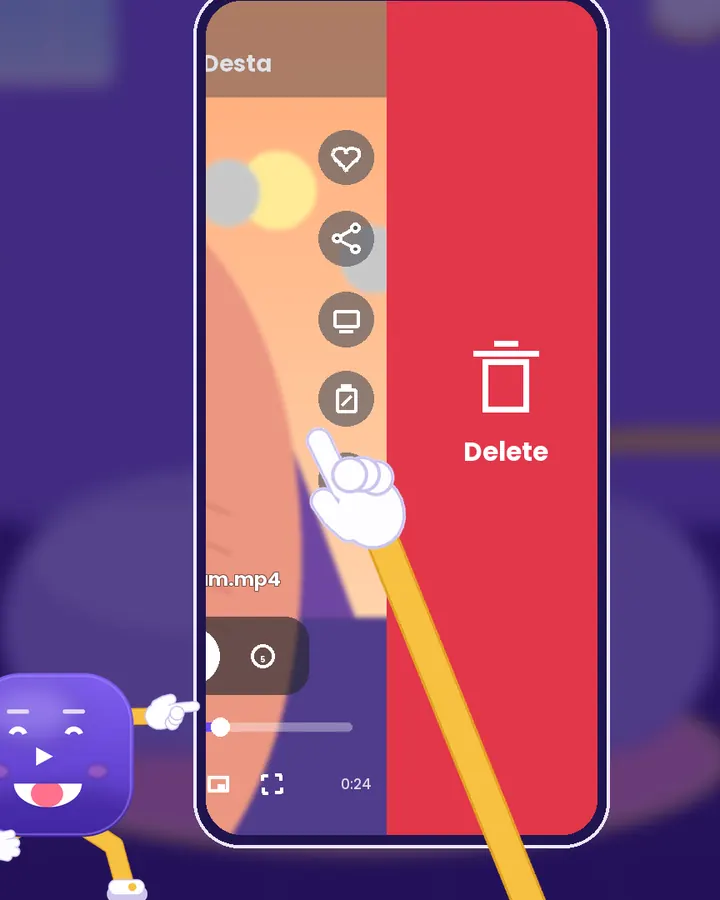 4
Swipe left to delete
Blurry or pocket video? Swipe left to delete it. Double-tap the good ones to love them.
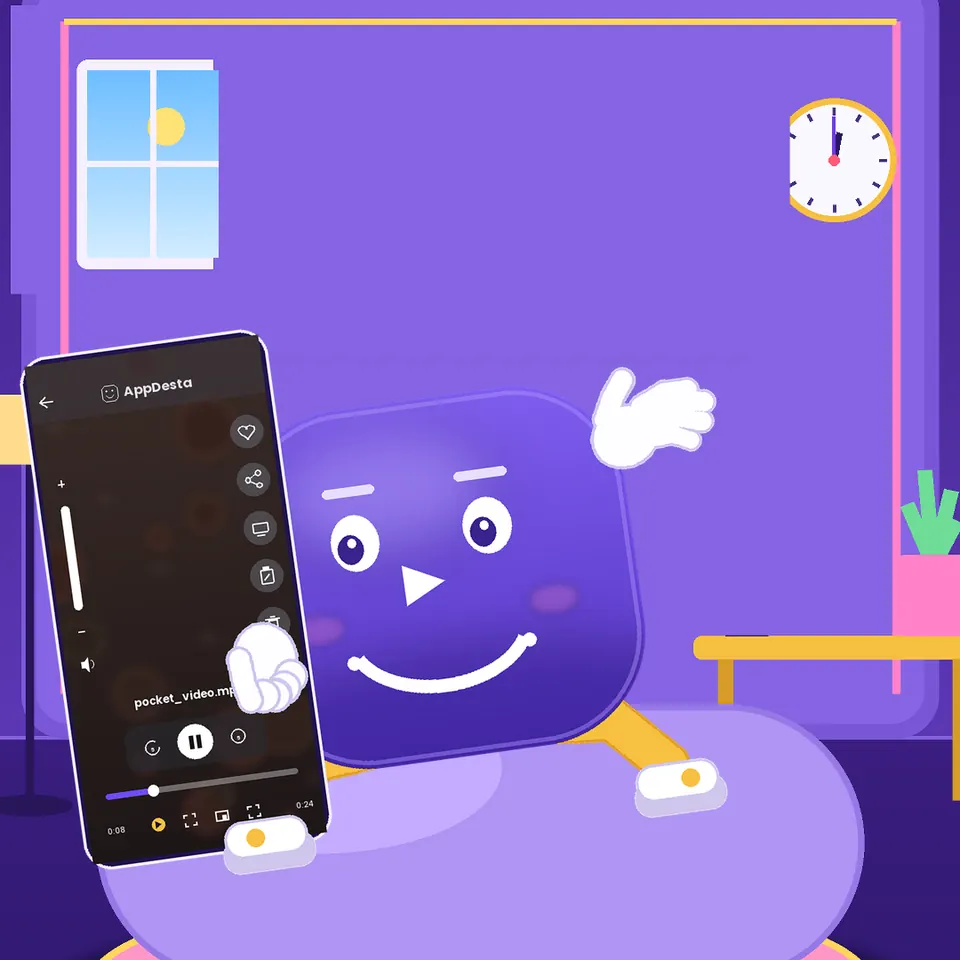
Watch Desta show you
Short videos, light on data. They only load when you press play.
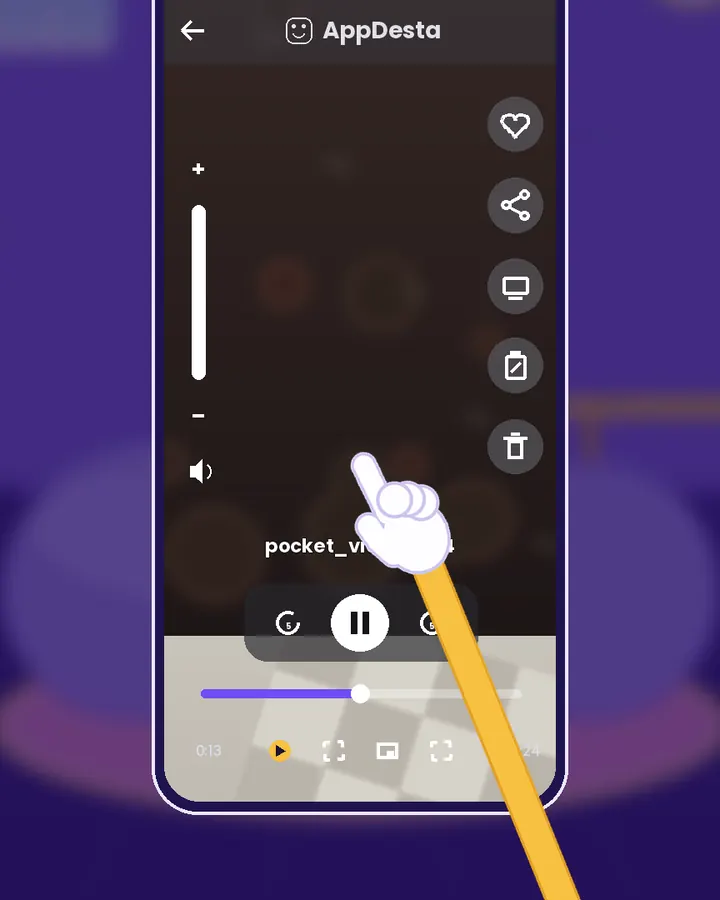
Everything on the side
The buttons on the side of each video let you love it, share it, play it on your TV, add a note or delete it.
Your videos stay on your phone
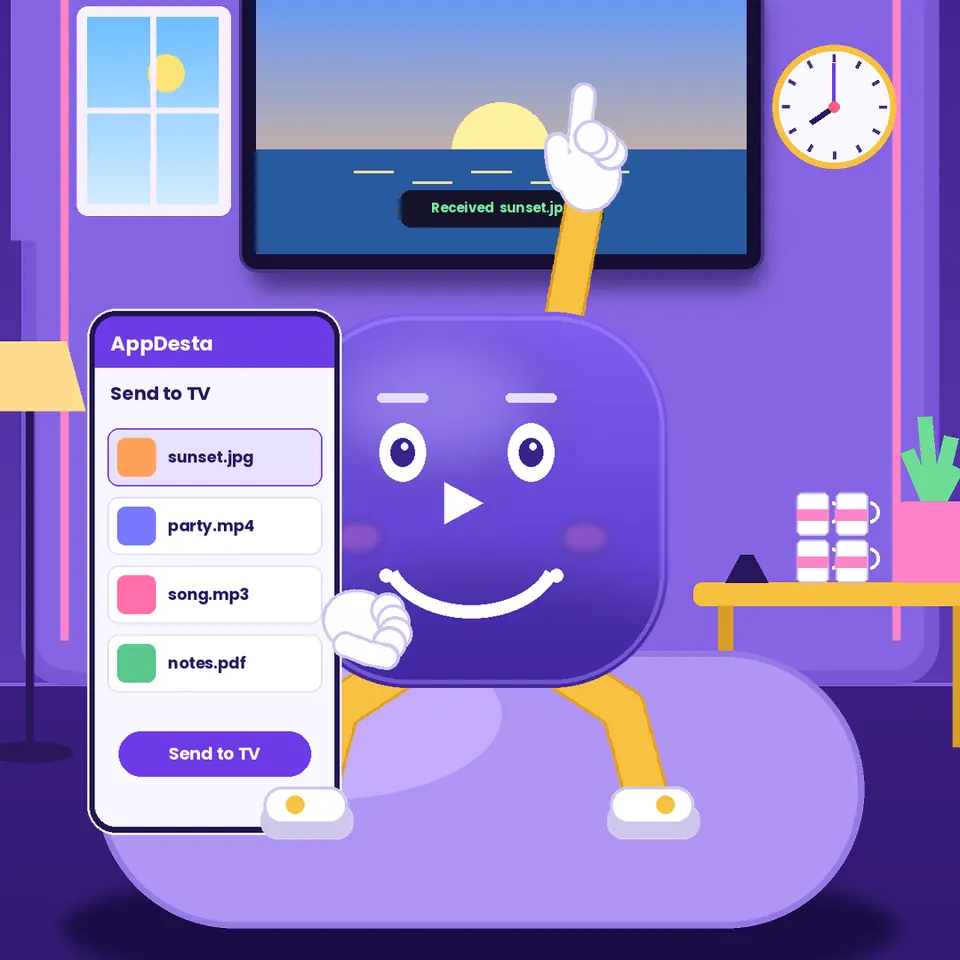
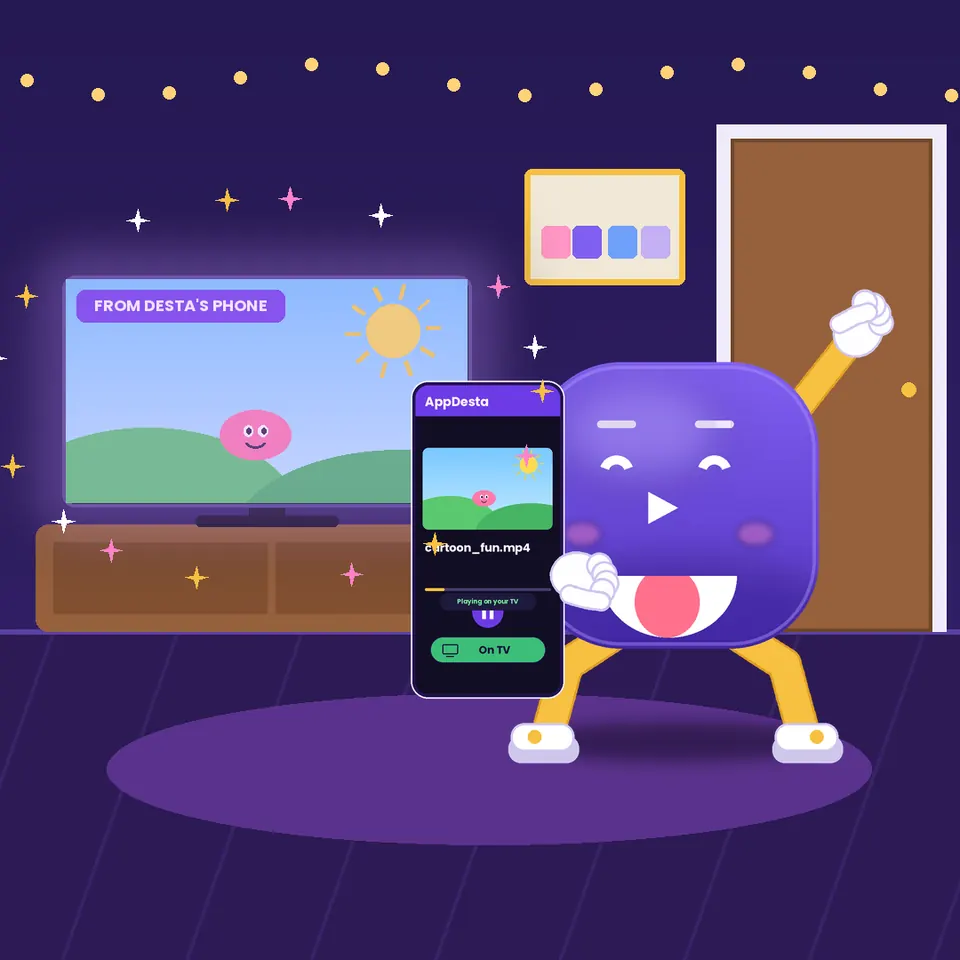
The feed plays the videos already on your phone, and it works without internet. Have an Android TV? Send any video to the big screen with Watch on TV.
Questions
Does it need internet?
No. The feed, notes and swipe to delete all work offline. Sharing to a chat app uses that app as normal.
Can other people see my feed?
No. The feed is only on your phone. Your videos only leave your phone when you share them or turn on Watch On TV.
Get AppDesta free
One app for your Android phone and Android TV.