AppDesta · Free Media Player & Share App — Phone & TV
Share and watch offline. Stream when you’re online.
With AppDesta, paste a free stream link and watch on your phone or TV, no browser needed. The media player also lets you watch your videos, send files with zero data, and play them on your TV.
Named after the Amharic word Desta (ደስታ, meaning joy), AppDesta and our mascot Desta bring joyful, hassle-free entertainment to your phone and TV.
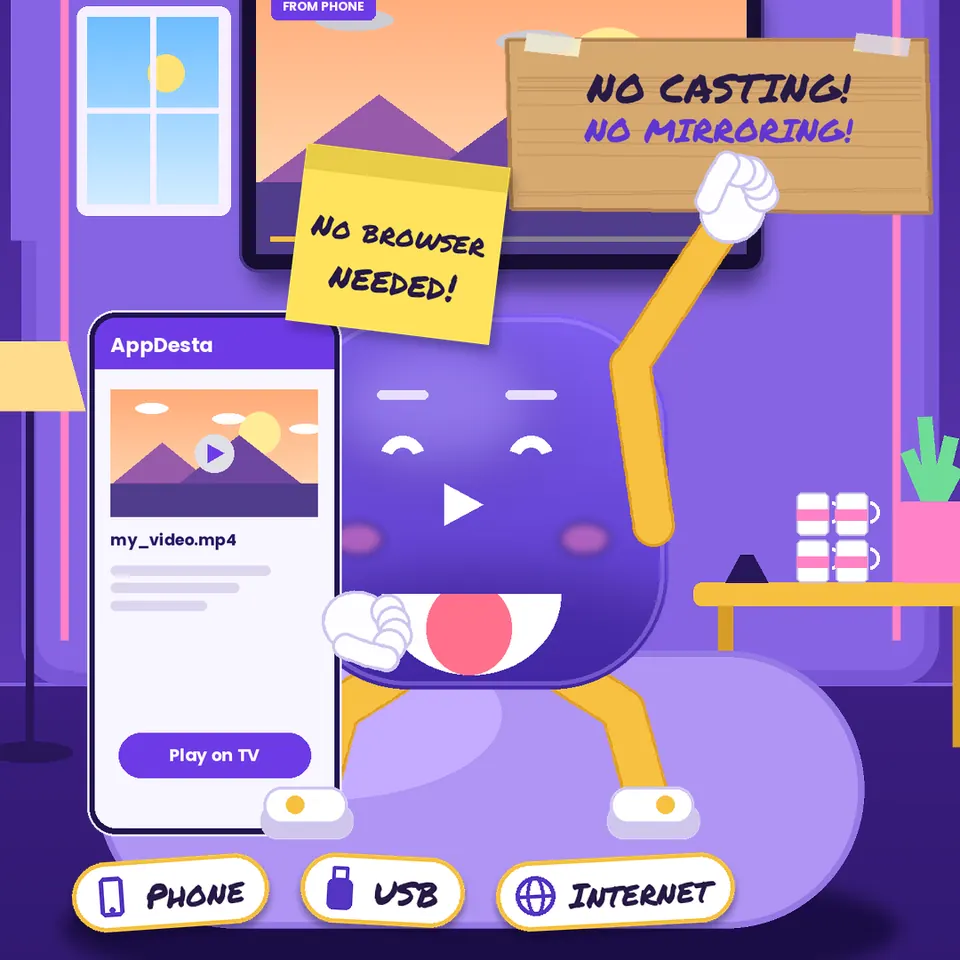
On Your Phone
Everything you need, right on your phone.
All of these work without internet or data.
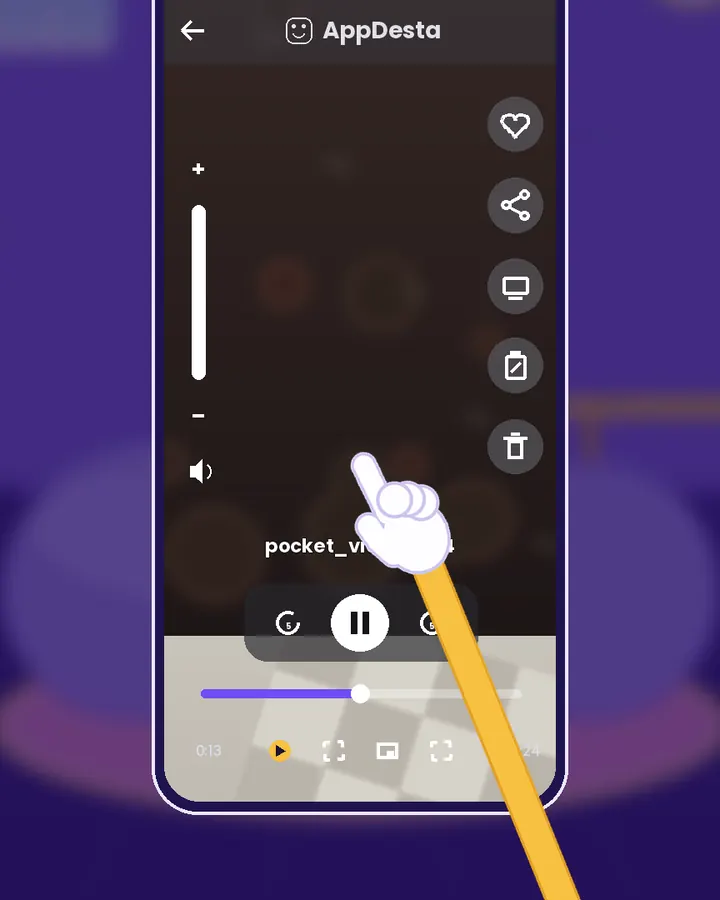
Your videos, in a feed
Scroll through the videos on your phone like a social app. Double tap to save a favorite, swipe to delete the ones you don’t need.
How it works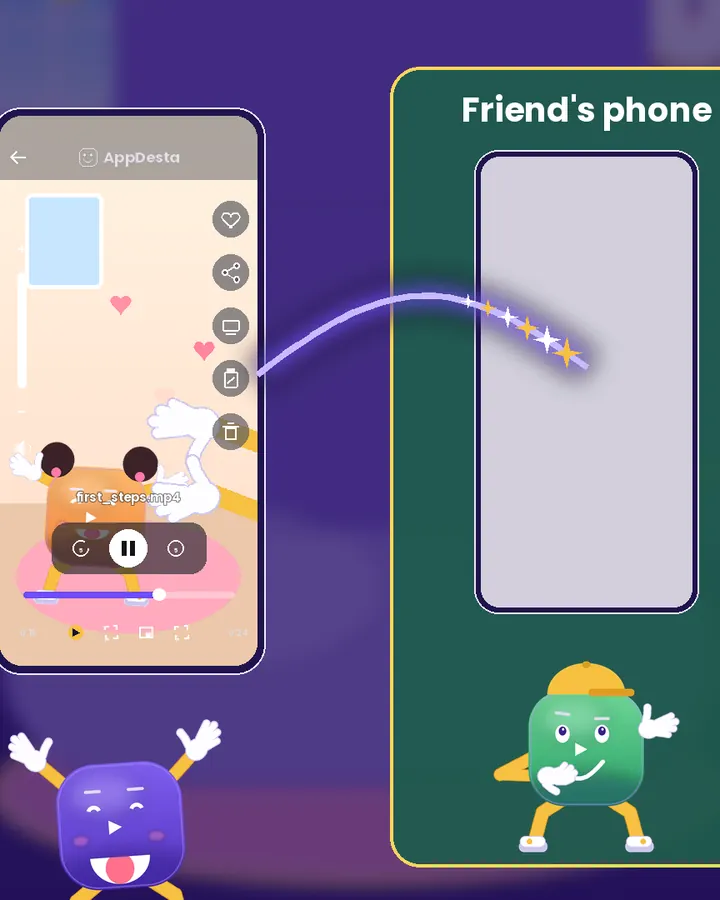
Send files to friends
Send videos, photos, and files to phones nearby. Faster than Bluetooth, and no internet or data needed.
How it works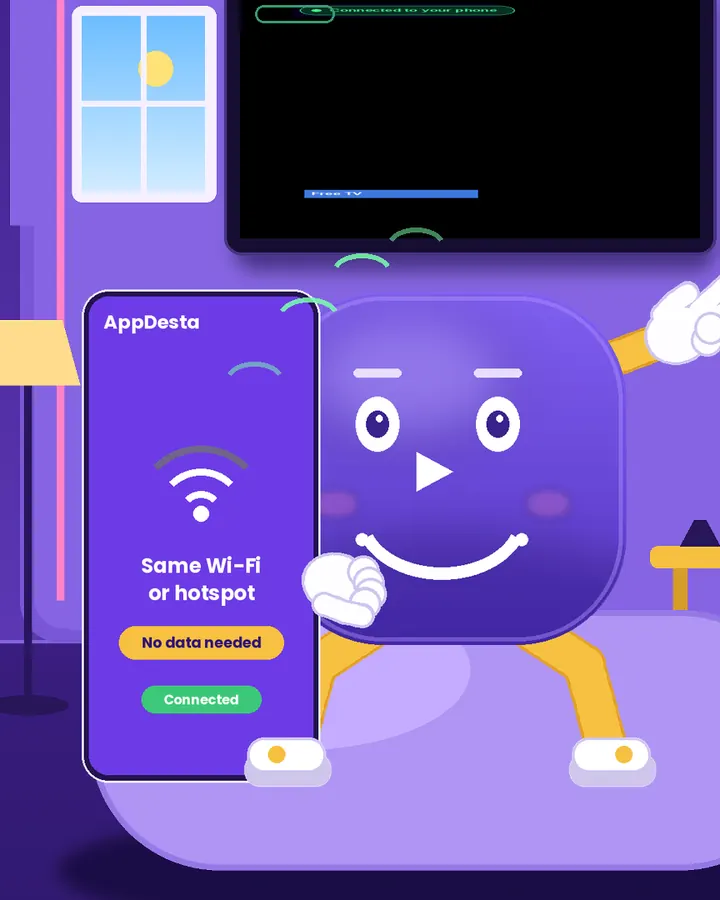
Share the app, offline
Friend doesn’t have AppDesta yet? Send the app straight from your phone to theirs. No internet needed.
How it works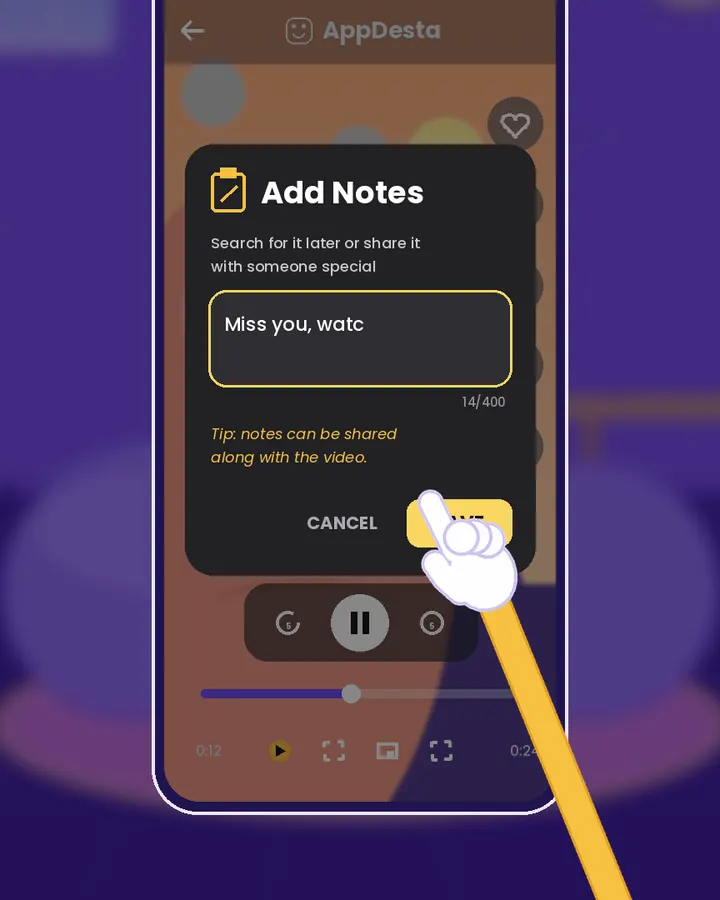
Notes on your videos
Add a note or tag to any video so you can find it again in seconds.
How it worksWhen You’re Online
Paste a link. Start watching.
Paste a link to a video page and AppDesta finds the video for you. Watch it on your phone, or send it to your TV with one tap.
Free TV & radio
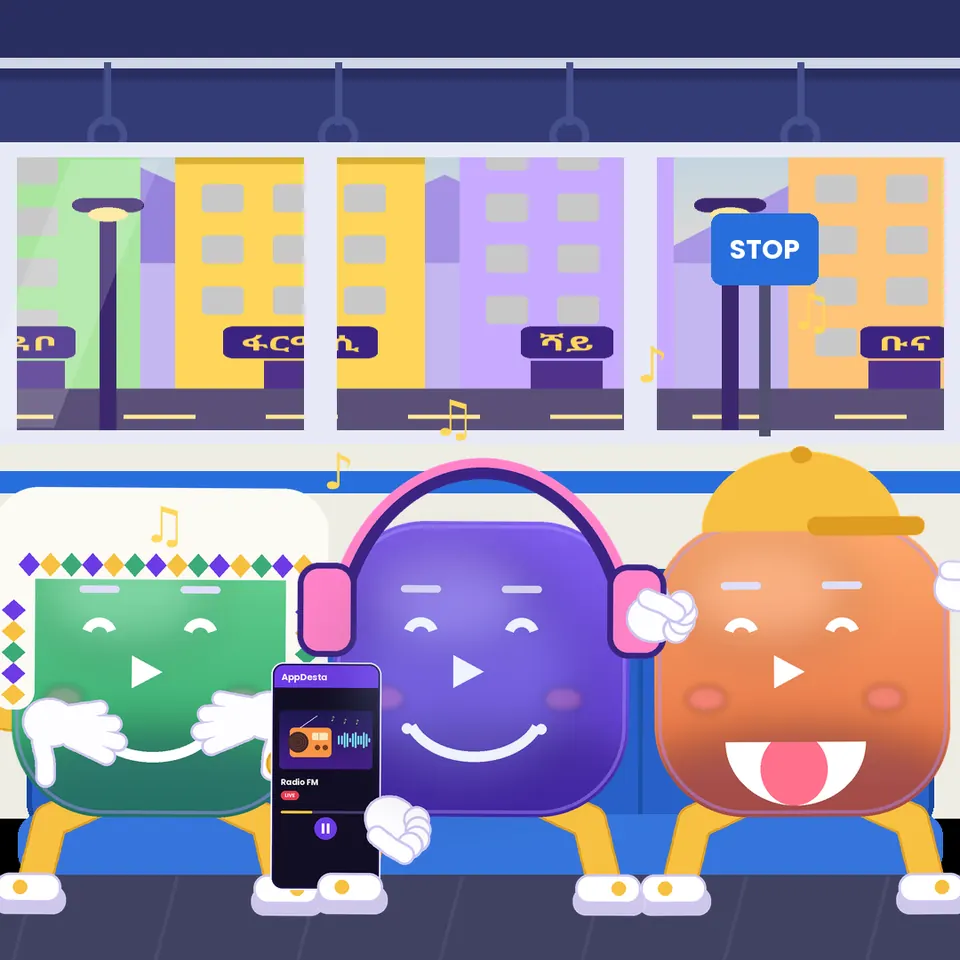
Live news channels and radio stations, ready to play. No account needed.
Works with normal links
No need to hunt for a special video link. Paste the page link and AppDesta finds the video.
Send it to your TV
Your phone finds the stream and your TV plays it. No browser needed on the TV.
Streams use internet. To watch a stream on your TV, the TV needs internet too.
Got a TV?
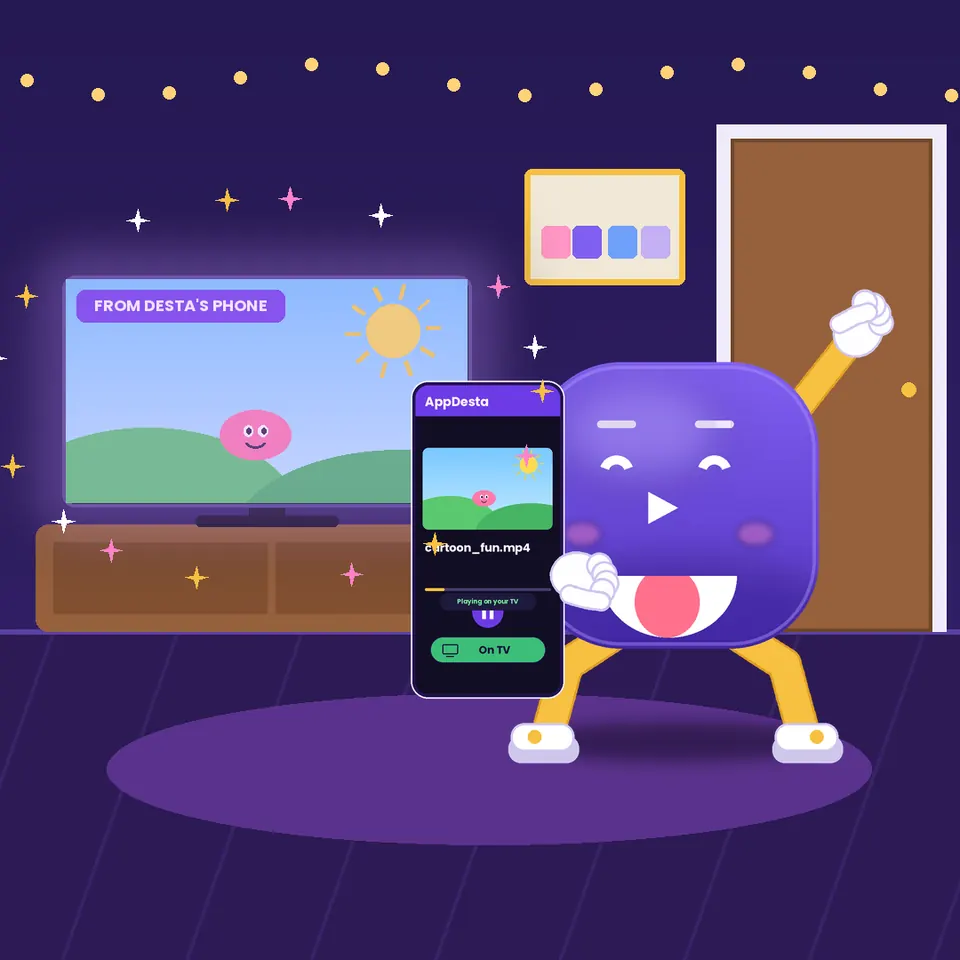
Watch your phone’s videos on the big screen.
Install AppDesta on your TV once. Your phone finds your TV automatically over Wi-Fi or hotspot. Pick a video with your TV remote, or use your phone as the remote, and it plays. No internet needed.
Works on Android TV, Google TV and Amazon Fire TV. Samsung, LG or Hisense TV? Plug in a Fire TV Stick or an Android TV box. Streams need internet on the TV.
Install on your TV
Install AppDesta on your TV
It’s the same free app as on your phone. Pick your TV:
Android TV & Google TV
Open the Google Play Store on your TV and search “AppDesta”. Or, on your phone, open AppDesta in the Play Store, tap the arrow next to Install and choose your TV.
Get it on Google PlayAmazon Fire TV
Open the Amazon Appstore on your Fire TV (Stick, Cube or Fire TV smart TV) and search “AppDesta”.
Get it on Amazon AppstoreFrom your phone, no internet
Already have AppDesta on your phone? Send the app to your TV over Wi-Fi or hotspot and install it there.
How sending worksSamsung, LG or Hisense TV? Plug in a Fire TV Stick or an Android TV box first, then follow the steps above.
Questions
Good to know
Using AppDesta
Is AppDesta a phone app or a TV app?
Both. It’s one app. Install it on your Android phone and it works on its own. If you also have an Android TV, Google TV or Fire TV, install the same app there to watch your phone’s videos on the big screen.
Do I need a TV to use AppDesta?
No. Everything on your phone works without a TV: your video feed, sending files to friends, sharing the app, and free TV & radio. The TV is an extra.
Is AppDesta free?
Yes. AppDesta is free to download on Google Play and the Amazon Appstore, and the media player and file sharing are free to use.
Does it use my data?
No. Sending files, sharing the app, your video feed, and watching on your TV all work without internet or data, including when you share over your phone’s hotspot. Only free TV & radio and pasted video links need internet.
Does using my phone’s hotspot use data?
No. AppDesta only uses the hotspot to link your phone to the TV or to other phones, and your files travel directly between them. Tip: turn off mobile data while you share. Then other apps, or the TV itself, can’t use your data in the background.
Which TVs work with AppDesta?
Android TV and Google TV (for example TCL, Sony, Xiaomi and Chromecast with Google TV), Android TV boxes, and Amazon Fire TV (Fire TV Stick, Cube and Fire TV smart TVs). Samsung, LG and Hisense TVs can’t run AppDesta on their own system yet, but you can plug in a Fire TV Stick or an Android TV box and use it that way.
Do I need to install it on my TV too?
Only if you want to watch on your TV. On Android TV and Google TV, get it from the Google Play Store. On Fire TV, get it from the Amazon Appstore. Just search “AppDesta”. You can also send the app to your TV straight from your phone.
Does my TV need to be on the same Wi-Fi?
Your phone and TV need to be on the same Wi-Fi, or the TV can join your phone’s hotspot. Neither needs internet.
Does it work on iPhone?
Not yet. AppDesta is for Android phones, Android TV, Google TV and Fire TV for now.
Streaming
What can I stream with AppDesta?
Free TV channels and radio stations that come with the app, plus videos from links you paste. AppDesta plays the link you give it. It doesn’t host or sell the streams itself.
Which links work?
Links to video pages and direct video or live stream links. Some websites block outside players or need you to sign in, so not every link will play. YouTube links aren’t supported.
Can I stream any video I find online?
Only stream what you have the right to watch: official free channels, videos shared by the people who made them, or content you’ve paid for. If a link looks like a copy of a paid movie or a pay-TV channel, please don’t use it. Read our Content Guidelines.
Does streaming use data?
Yes. Streams come from the internet, so they use data on your phone. When you send a stream to your TV, the TV loads it through its own internet connection, so it needs internet too.
Get AppDesta free
One app for your phone, Android TV and Fire TV.