Free TV & Radio
Free live TV and radio, on your phone and your TV
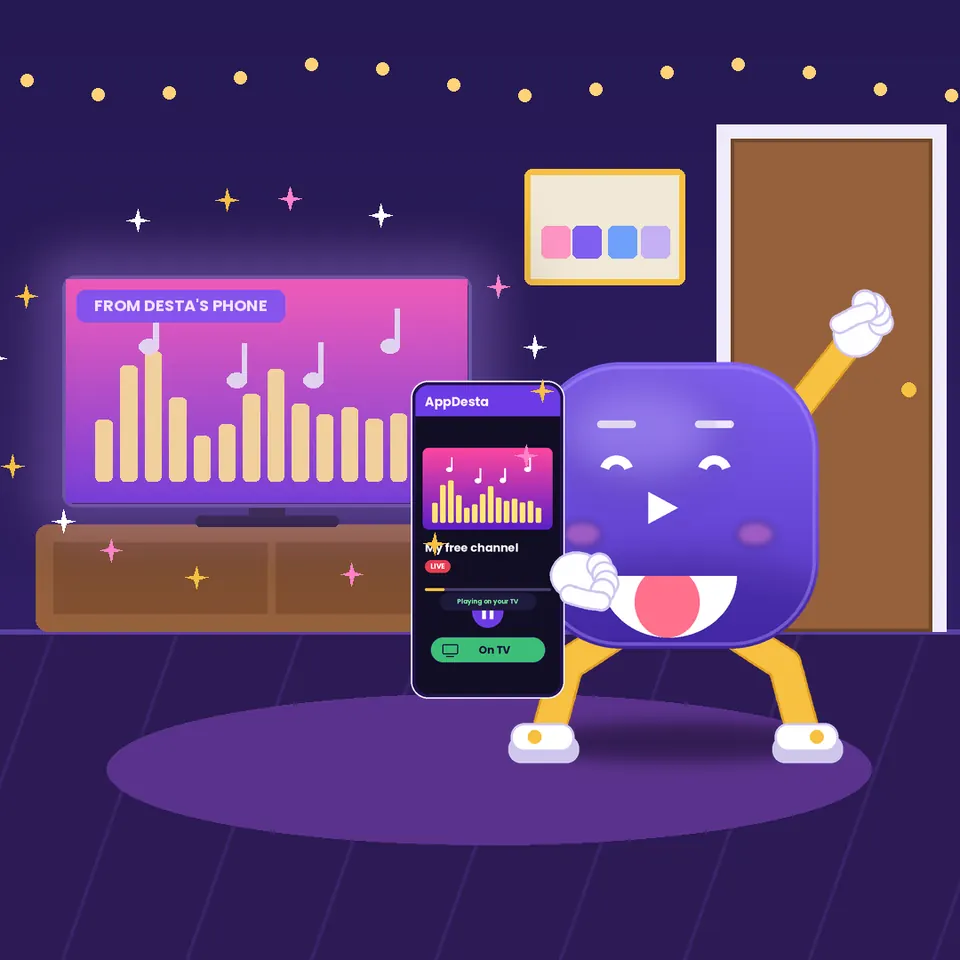
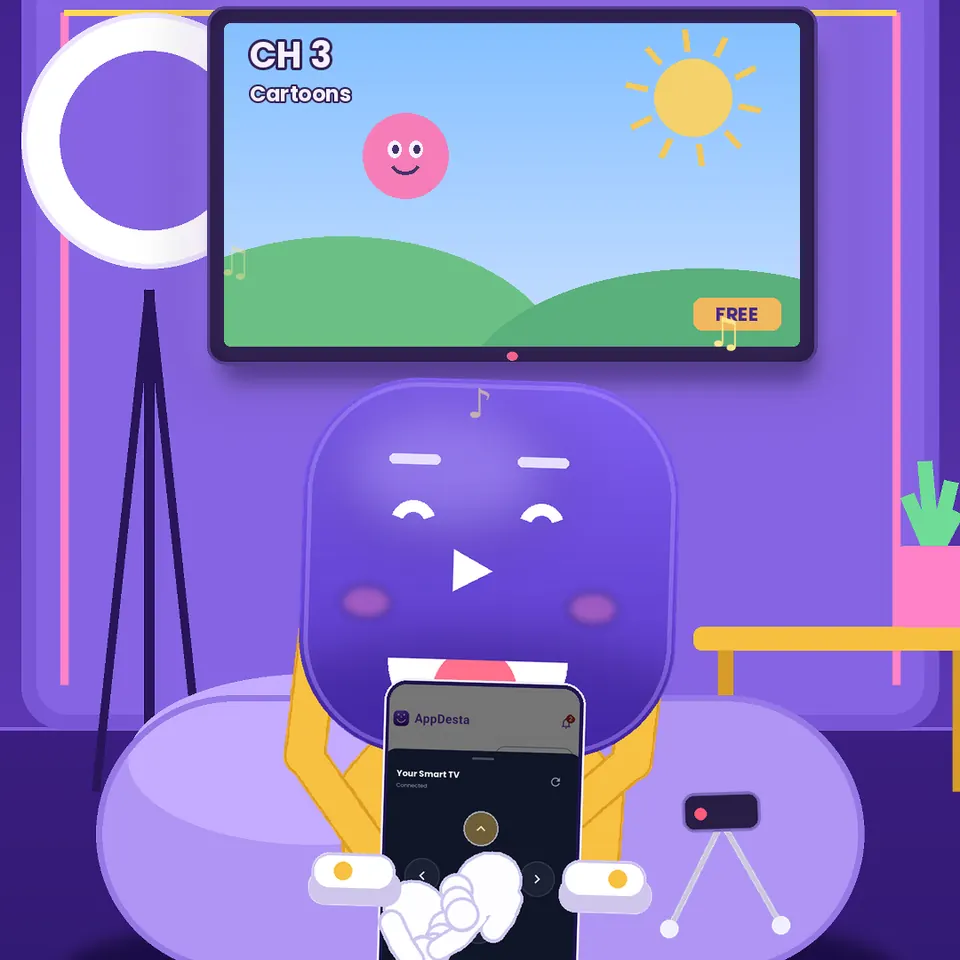
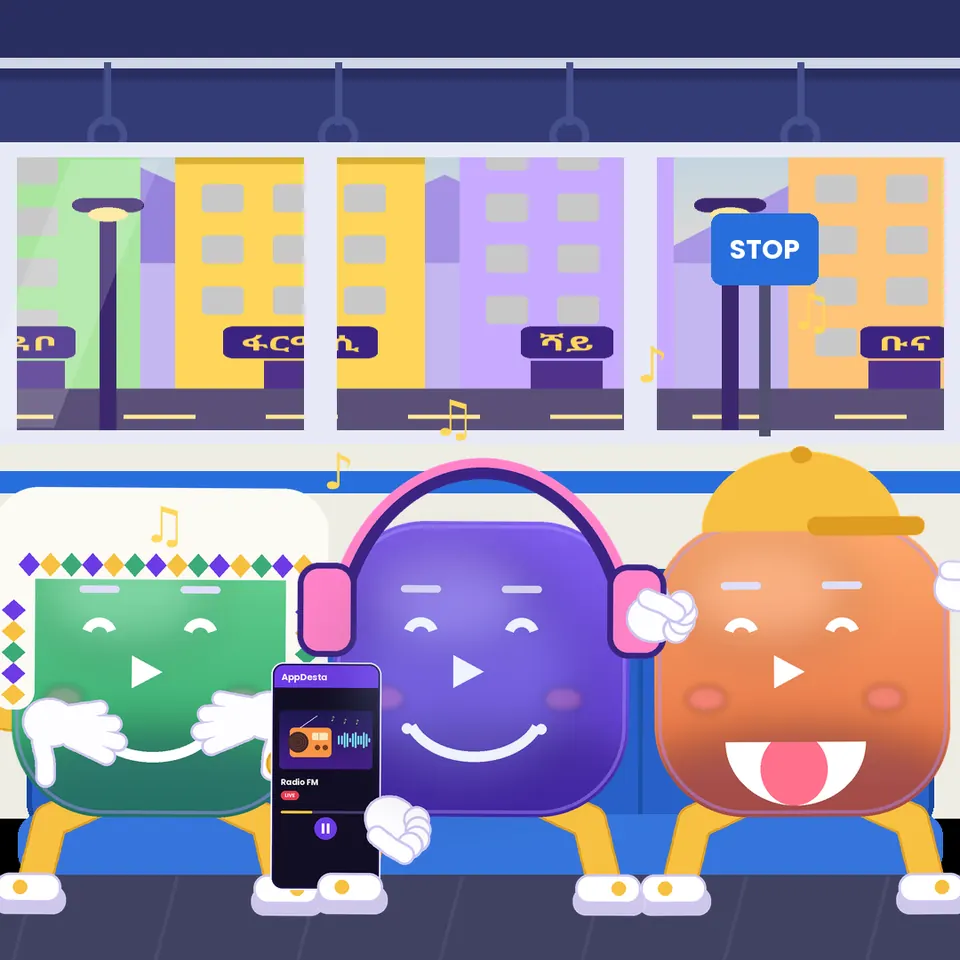
Open the Streams tab and pick a channel. Live TV and radio play right on your phone, on the bus or at home. At home, tap the TV icon to watch it on your Android TV. No sign-up needed.
How it works
 1
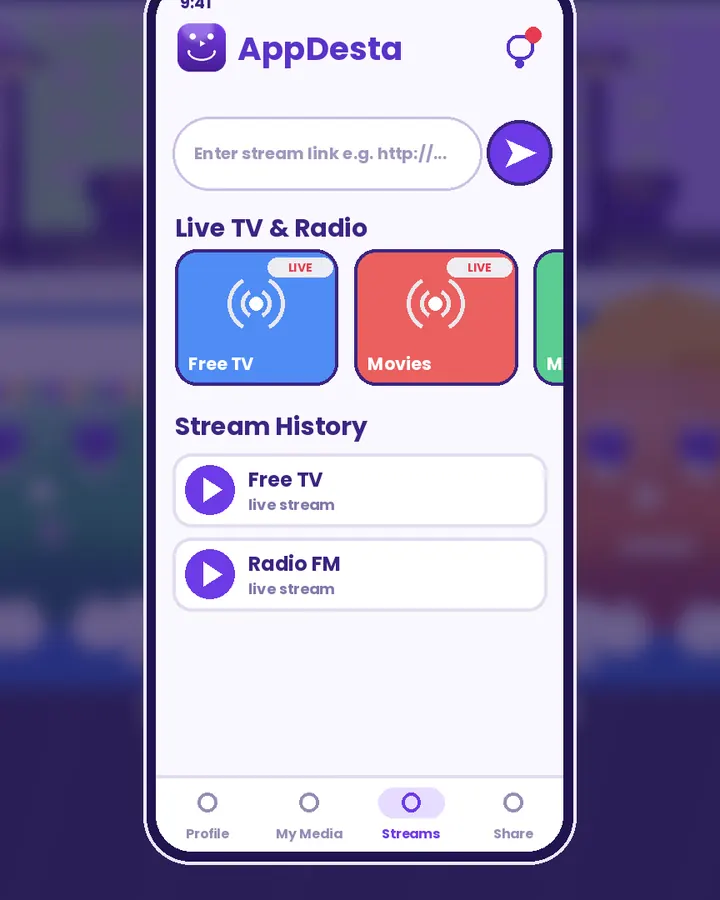
Open Streams
Tap the Streams tab. Live TV & Radio channels are ready at the top.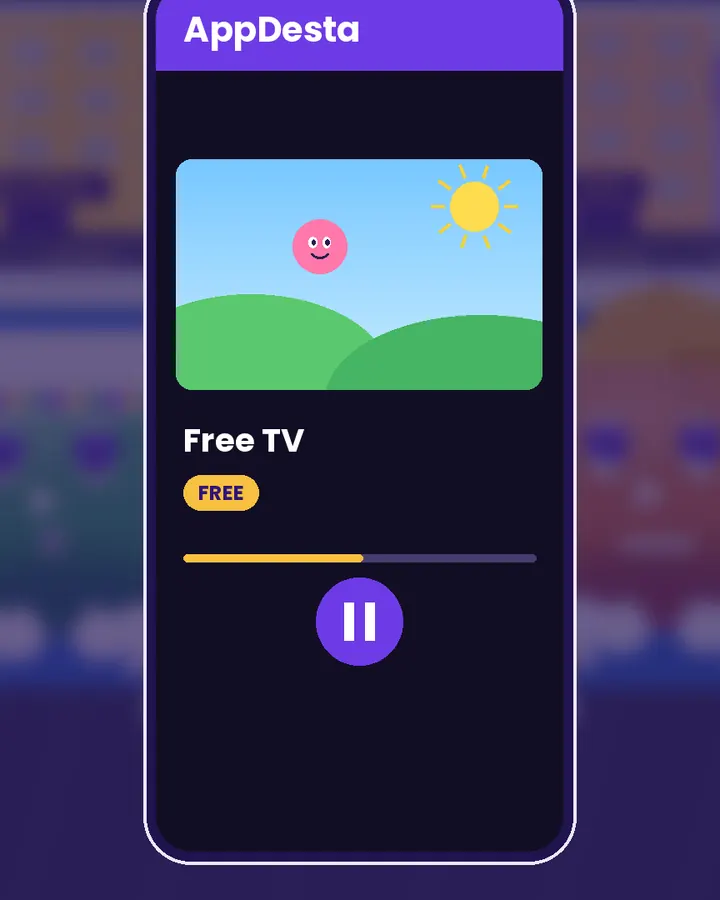 2
Pick a channel
Tap a channel and it starts playing on your phone.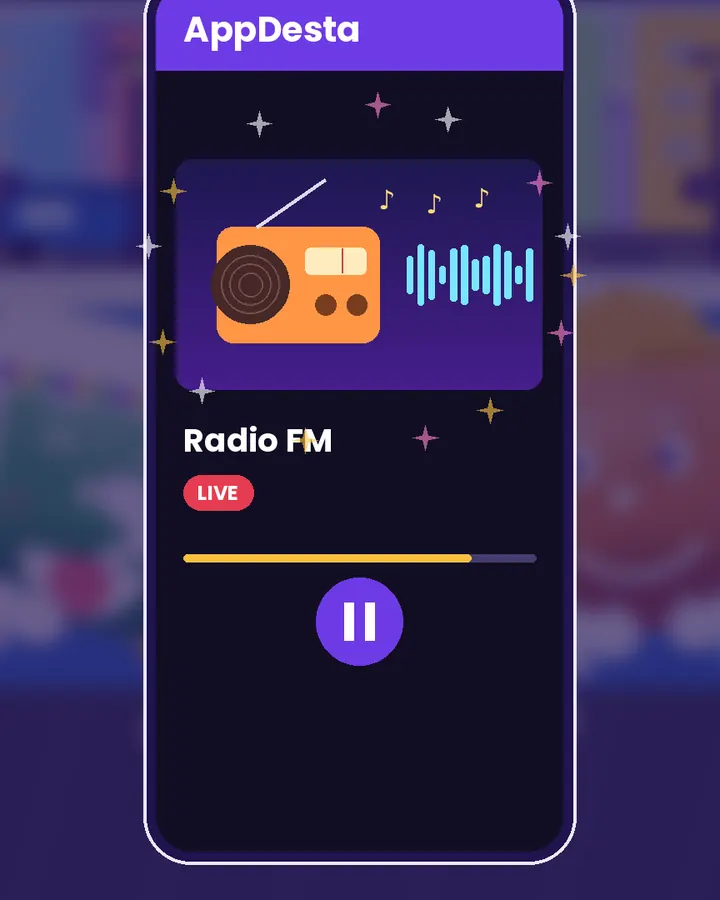 3
Or listen to radio
Radio stations play too, so you can listen with the screen off on a long ride.
Watch Desta show you
Short videos, light on data. They only load when you press play.
Watch it on your TV
Tap the TV icon next to a stream and it plays on your Android TV. The TV plays the stream over its own internet connection, so your phone is free for other things.
Add your own channels
Got a link to another channel or video page? Paste it in Streams and it’s saved in your list. See Play video and stream links.
Questions
Is it free?
Yes. The channels in AppDesta are free to watch, and you don’t need an account.
Does it use my data?
Live TV and radio come from the internet. On mobile data they use your data; on Wi-Fi they don’t.
Can I watch on my TV?
Yes, on Android TV, Google TV and Amazon Fire TV with AppDesta installed and connected to the internet.
Get AppDesta free
One app for your Android phone and Android TV.