Got a video link? Paste it and watch on your phone or TV
Paste a link to a video page, or a direct stream link. AppDesta finds the video and plays it on your phone, and one tap sends it to your Android TV. No typing long links with a TV remote.
How it works
 1
Copy the link
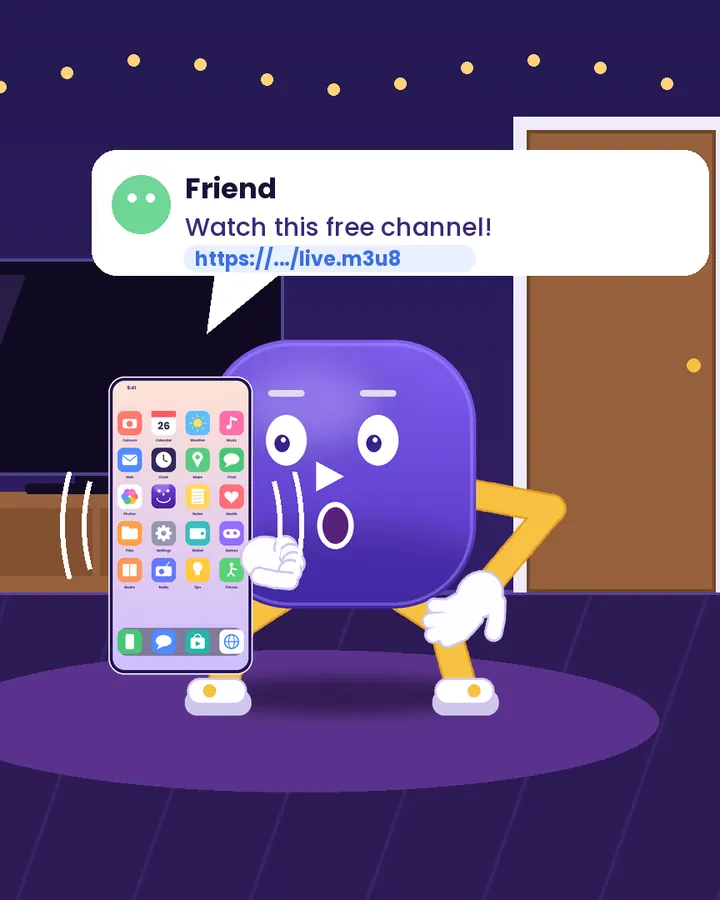
A friend sends you a link on WhatsApp or Telegram, or you find a video on a website. Copy the link.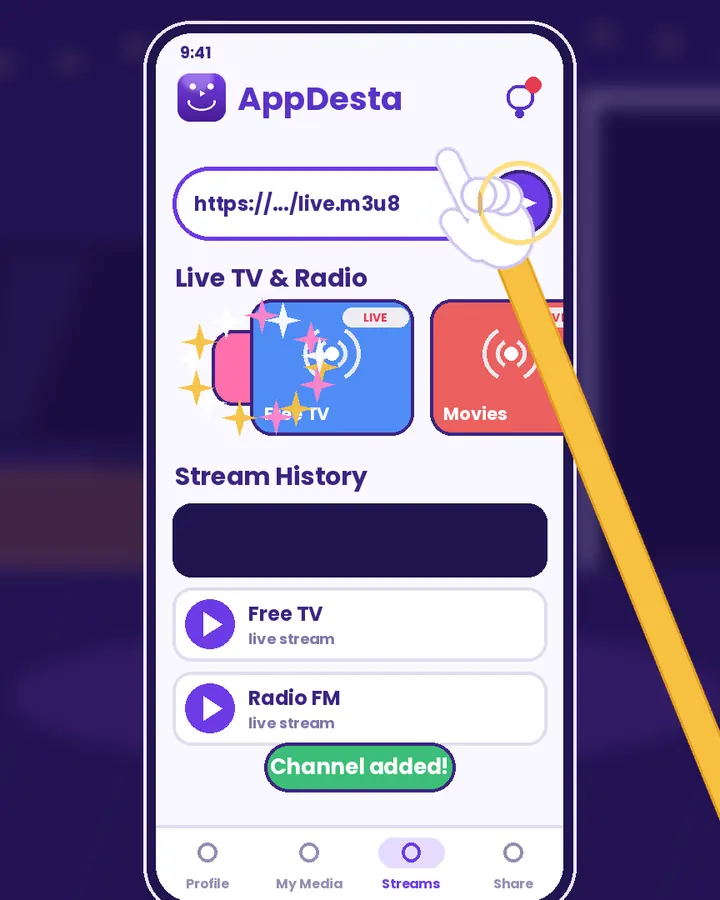 2
Paste it in Streams
Open the Streams tab, paste the link at the top and tap send. AppDesta finds the video and plays it. If it can’t find one, you can keep watching the page inside the app.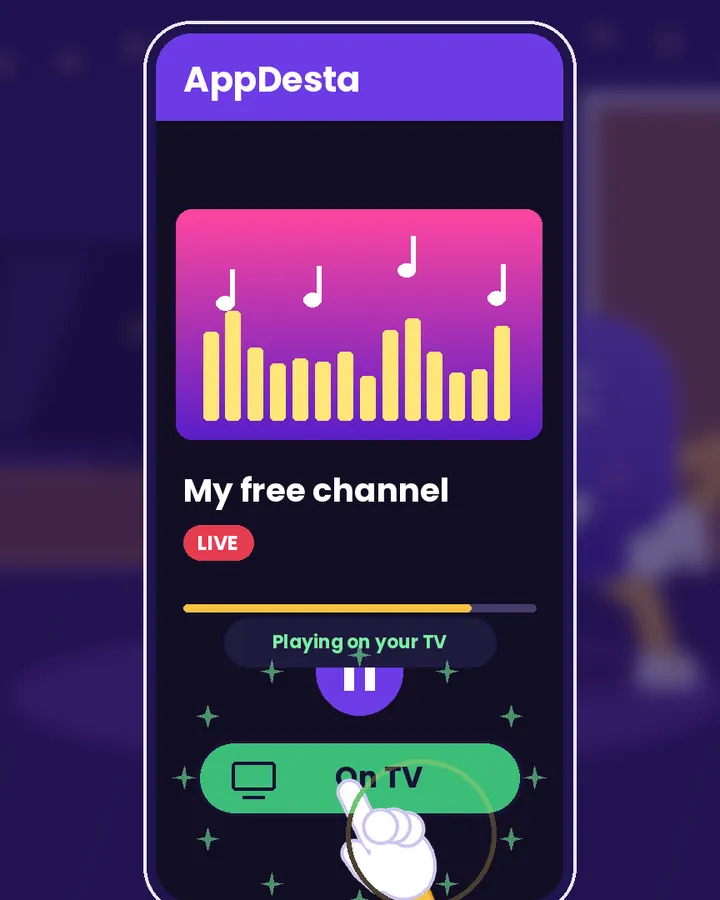 3
Send it to the TV
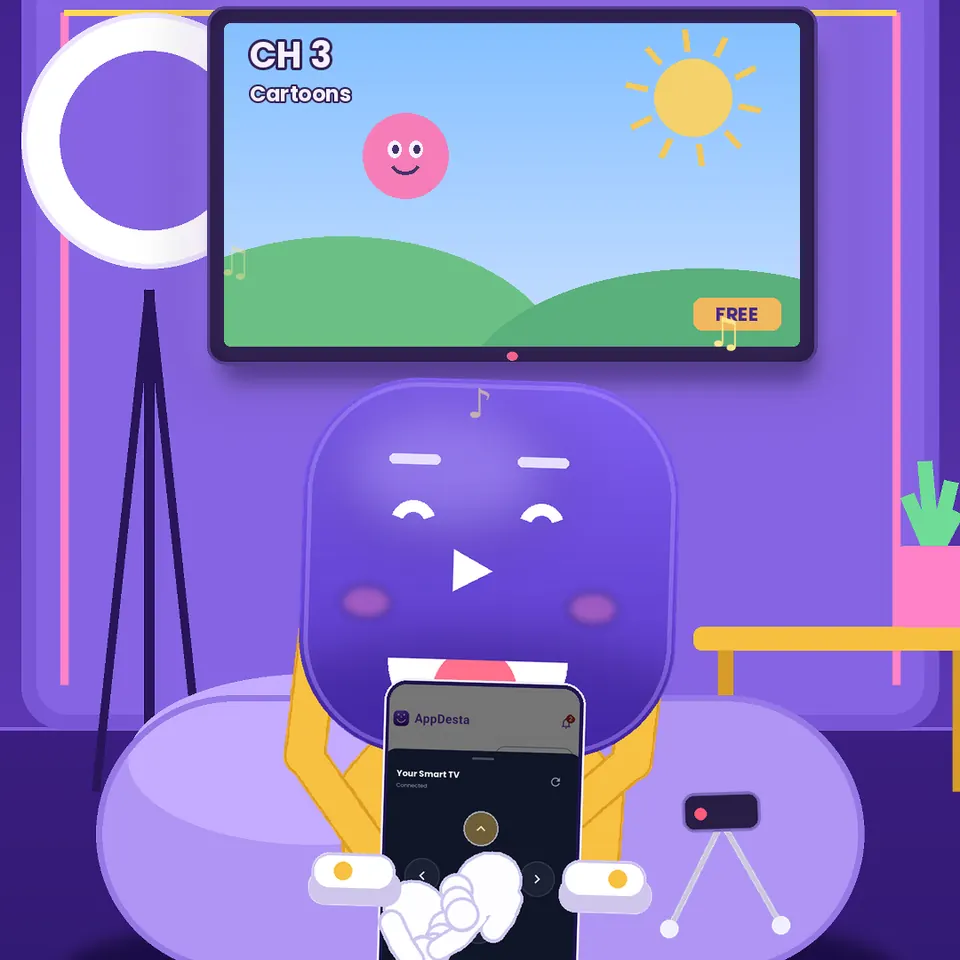
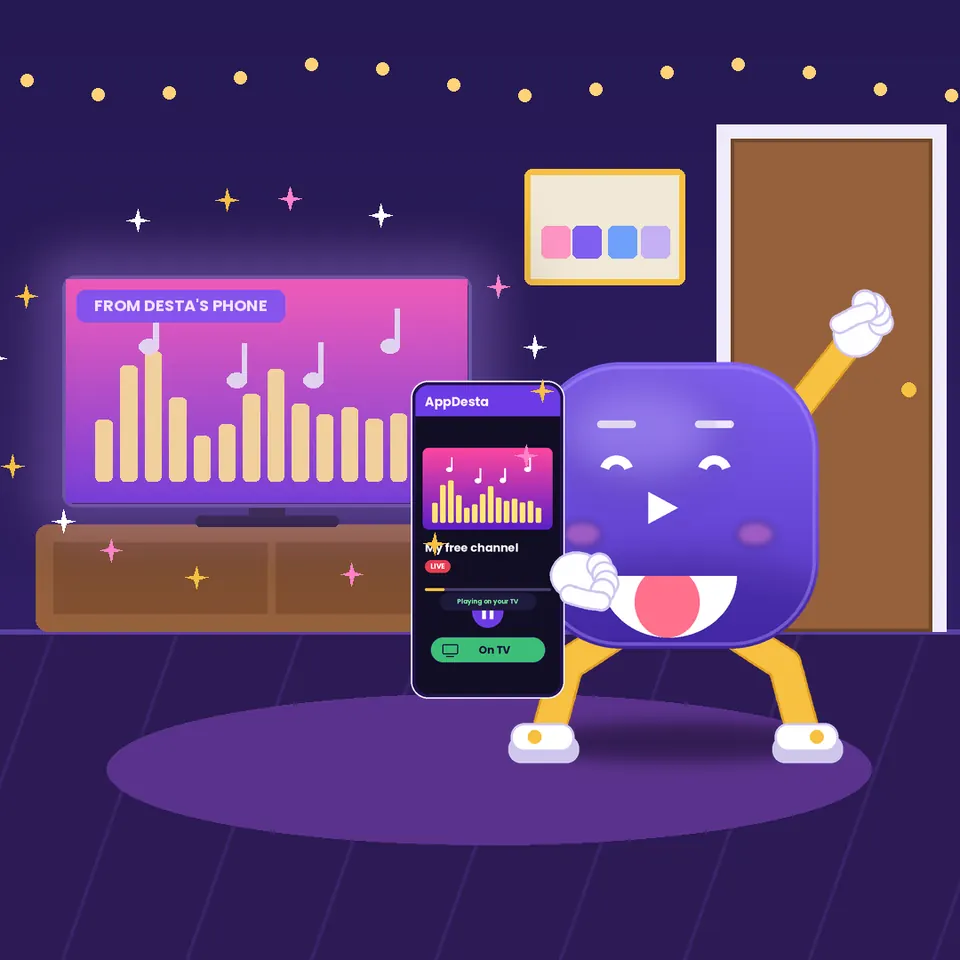
Tap the TV icon and the stream plays on your Android TV. Your phone stays free.
Watch Desta show you
Short videos, light on data. They only load when you press play.
Two kinds of links work
A video page: the normal link of a page with a video on it. AppDesta looks inside the page and finds the video for you.
A direct stream link: a link that points straight to the video or audio. It usually ends in .m3u8 (live TV), .mp4 (video), or .mp3 / .aac (radio and audio).
https://example.com/live/channel.m3u8
What works and what doesn’t
- Most links to video pages
- Live TV links (.m3u8)
- Video links (.mp4)
- Radio and audio links (.mp3, .aac)
- YouTube links
- Sites that block other players or need you to sign in
- Paid services that lock their videos
Your links are saved
AppDesta keeps your links in Stream History, so you can play them again with one tap or send them to the TV later.
Only play what you’re allowed to watch
AppDesta plays the links you give it. Use it for free channels, public streams and your own videos. For ready-made free channels, see Free Live TV & Radio.
Questions
Does my TV need internet?
Can I paste a YouTube link?
Does it use my data?
Get AppDesta free
One app for your Android phone and Android TV.