USB on TV
Movies on a USB drive? Play them on your Android TV
Plug your USB flash drive or hard drive into your Android TV, open AppDesta and go to the USB Drive tab. Browse the folders with your remote and press play. It all works offline.
How it works
 1
Bring your USB
Put your movies or music on a USB flash drive or hard drive.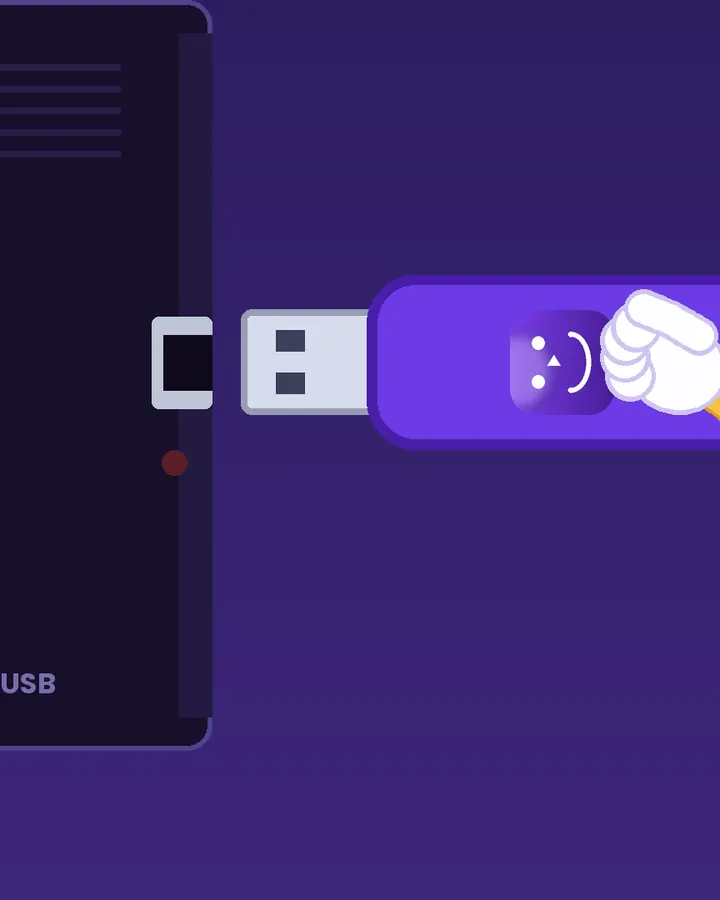 2
Plug it into the TV
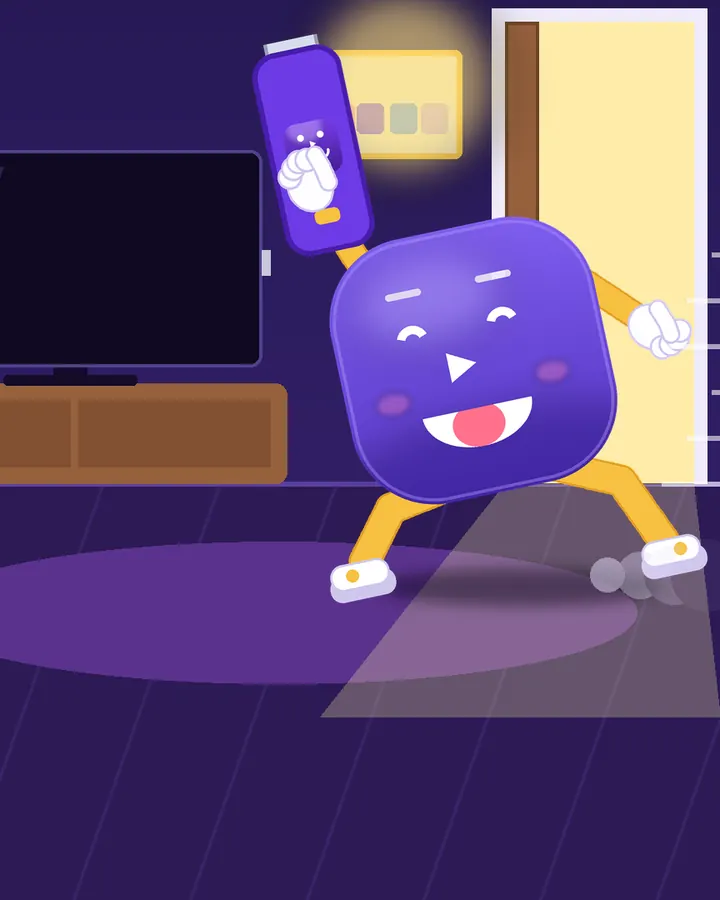
Plug the drive into your Android TV and open AppDesta. If Android asks, allow AppDesta to open the drive.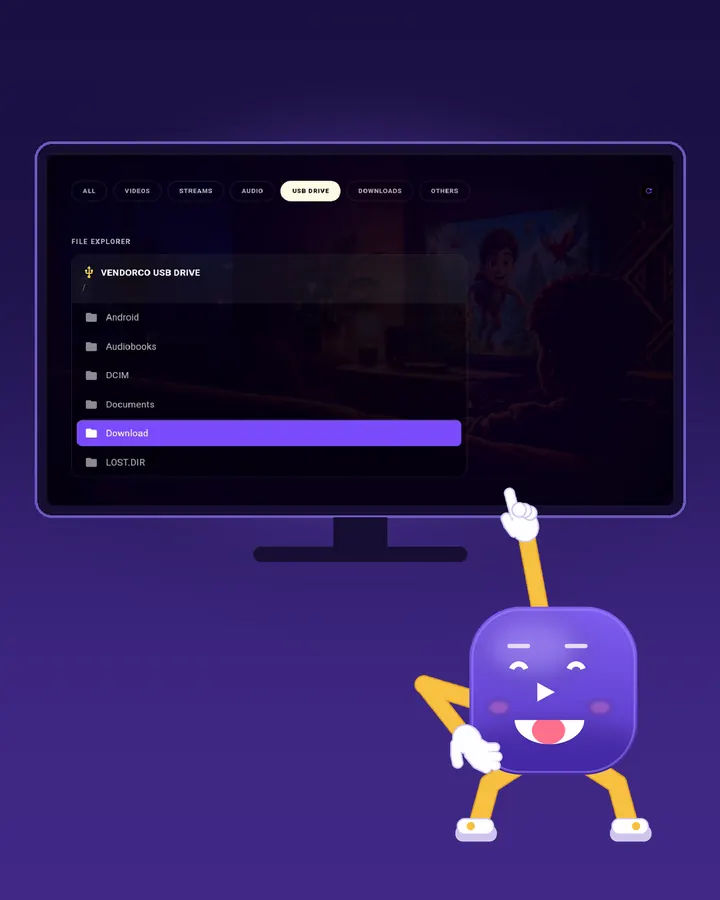 3
Pick and play
Open the USB Drive tab, browse the folders with your remote and press play.
Watch Desta show you
Short videos, light on data. They only load when you press play.
No internet needed
Videos play straight from the drive. Nothing is uploaded or copied, and the TV doesn’t need to be online.
Remote lost again?
Use your phone as the remote for the AppDesta TV app.
Questions
Which TVs work?
Android TV and Google TV with a USB port and AppDesta installed.
Which files play?
Common video and audio files such as MP4 and MP3. What plays can also depend on your TV.
Get AppDesta free
One app for your Android phone and Android TV.